Profile
Less than 1 minute
Profile
Edit Profile
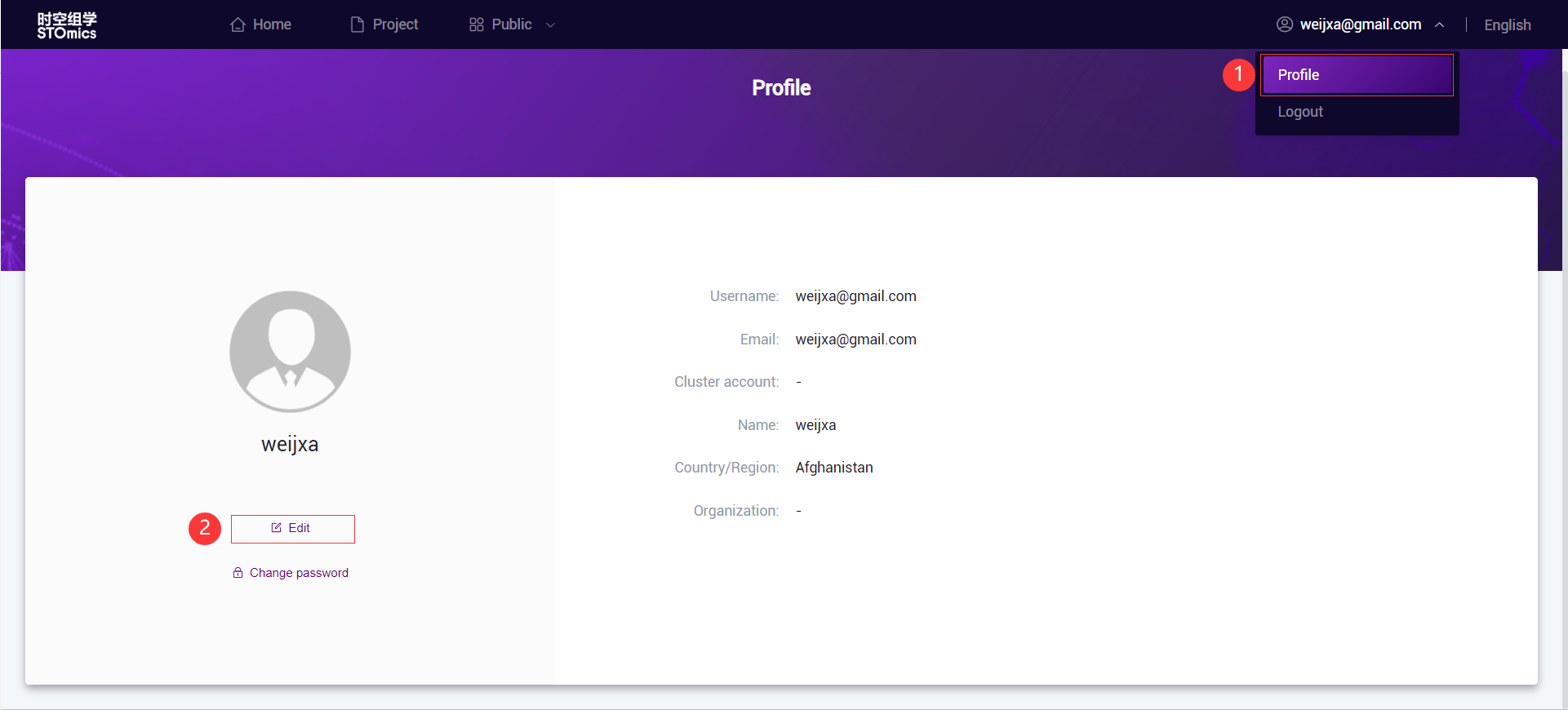
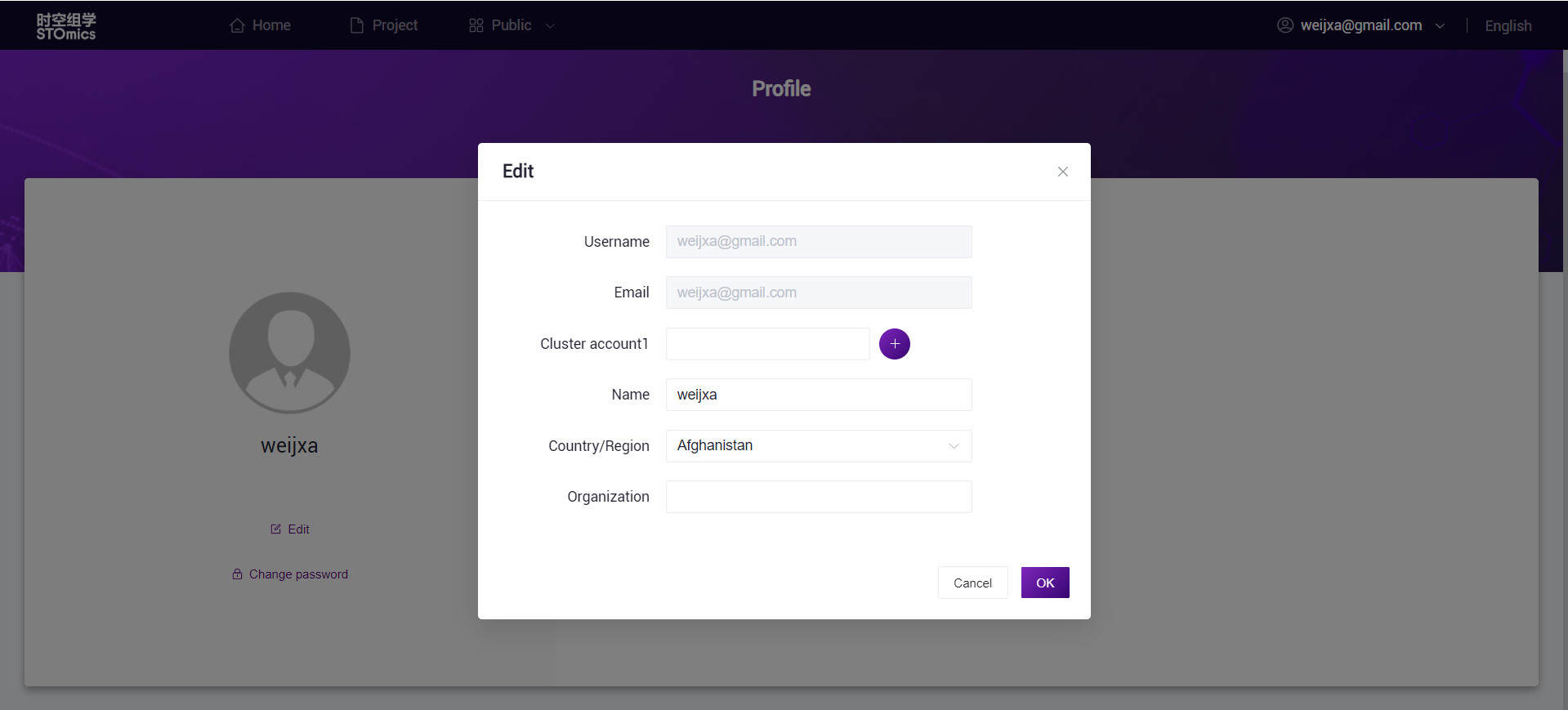
If you need to modify your personal information, you can enter the 'Profile' through the dropdown option under your username, and click "Edit" to change your personal details.
Change Password
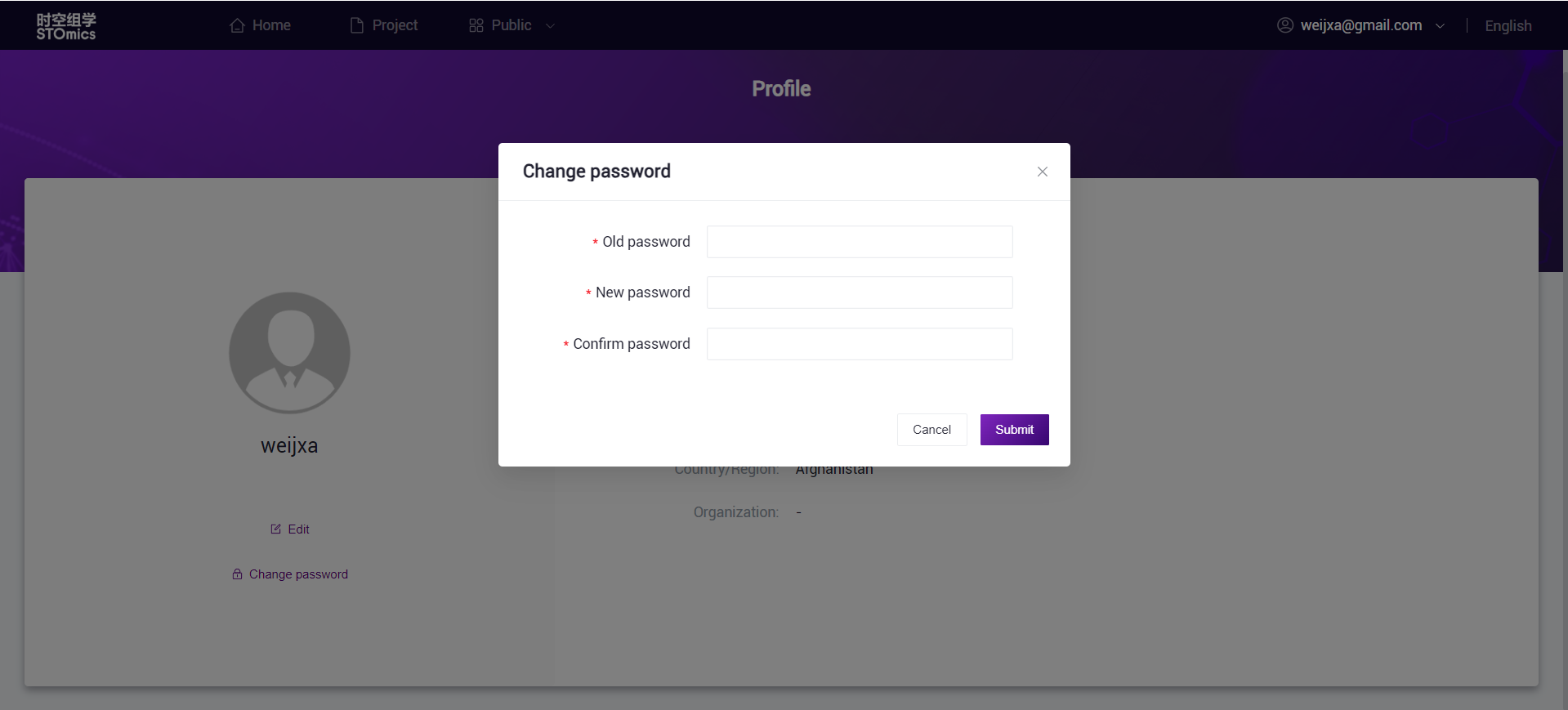
If you need to change your account password, you can go to 'Profile' through the dropdown option under your username, and click "Change Password". On the "Change Password" page, follow the prompts to fill in your old password and new password. After confirming it again, click "Confirm" to complete the modification.